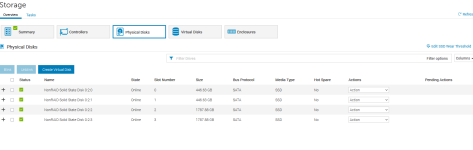
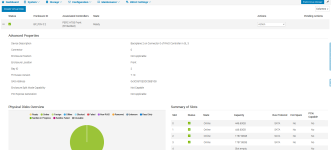
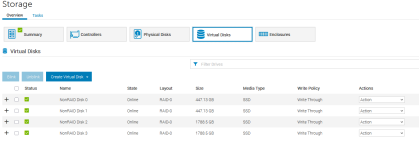
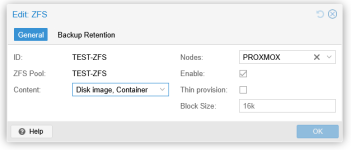
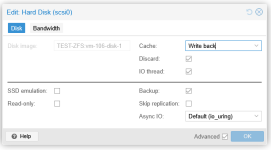
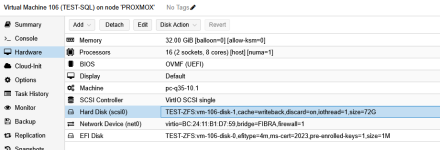
That's not really what i meant you should reverse that to 16K (default) because that's a pool wide setting; I've checked on how to do this because PVE created the virtual disks for you with default 16K setting.thanks guys, I changed the block size on zfs, I attach an image of both the machine I tested and the zfs settings
I have prepared here an example VM for SQL, virtio0 will be for my OS:
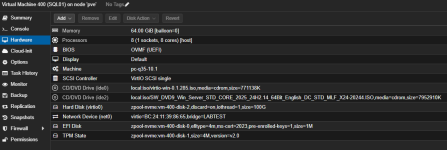
You'll want to separate SQL data on another virtual disk, so we'll add it:
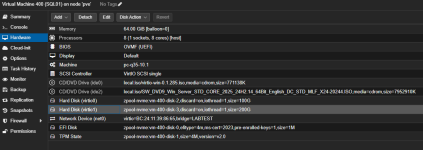
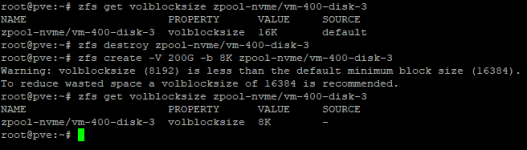
Disk (virtio1) will have 16K volblocksize which you do not want, you can verify this in PVE shell:

We cannot change the property anymore because this is a readonly property once the disk is created, so we'll need to recreate it:
commands used:
# zfs get volblocksize <zpool>/<disk-name>
# zfs destroy <zpool>/<disk-name>
# zfs create -V 200G -b 8K <zpool>/<disk-name>
And finally in your OS (my example runs Windows Server 2025):
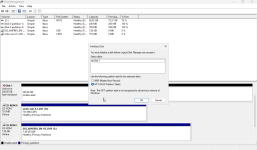
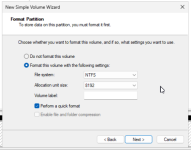
That should set you on your way, also as suggested above you could also test with other filesystems to see if it is ZFS related or not.
Last edited:

 ).
).