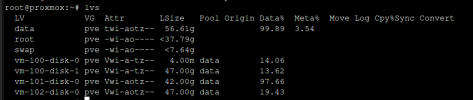
The local-lvm:
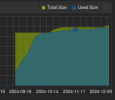
I believe the source of most of the data is the TrueNAS vm boot disk but when I looked into it, I couldn't find the source of the 40G+ data.
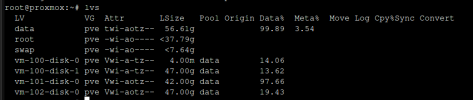
lvs:
Inside the TrueNAS vm:

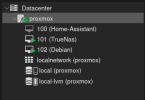
My overall VM setup:
Any help in identifying where my storage is actually going is appreciated.
I believe the source of most of the data is the TrueNAS vm boot disk but when I looked into it, I couldn't find the source of the 40G+ data.
lvs:
Inside the TrueNAS vm:
My overall VM setup:
Any help in identifying where my storage is actually going is appreciated.