I am running an instance of NetAlertX within my Portainer-Docker LXC and it is the only container (aside from the Portainer/Docker LXC) that I am running in the node. By default Portainer-Docker creates its files in the 'local' drive. This drive is formatted as a "directory" drive.
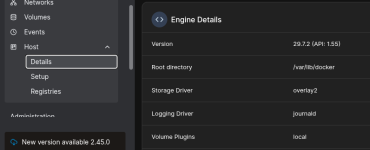
Logs from NetAlertX (within Portainer/Docker) are, by default, written by Docker to
.
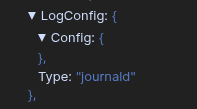
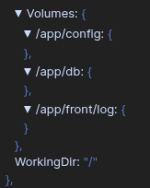
The volumes set up by the NetAlertX are:
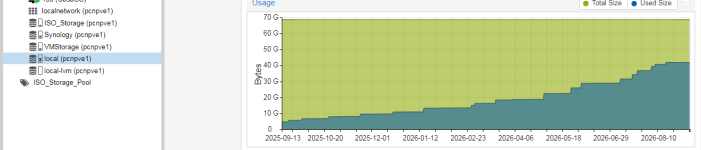
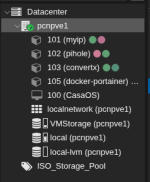
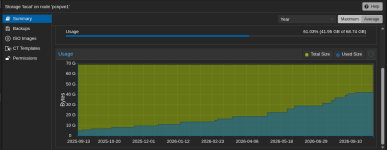
The problem is that my "local" drive is filling up with data and I'm not sure exactly where it is coming from. My investigation points to docker-portainer LXC. All of my other containers have been configured to use other much larger drives and none of those drives are filling up rapidly. This is what my "local" drive looks like now:
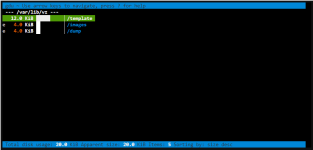
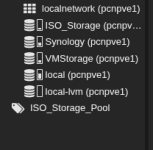
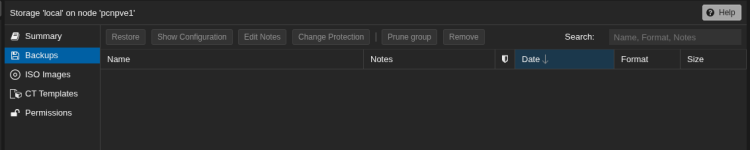
There are no files showing in the Backups, ISO Images or CT Templates windows. (Ex. below) So my guess is this growth of data is from log files.
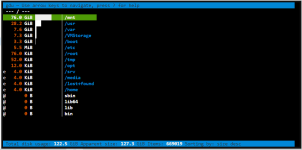
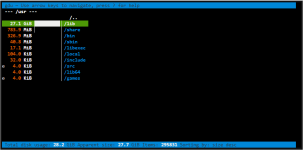
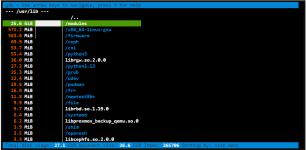
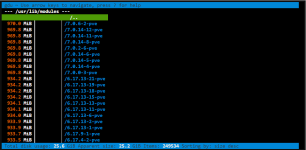
Question: Can I use the node Shell to list the directories and files to see what files are getting large? Can someone tell me how to display the directories/files and their sizes in the 'local' drive? I need to know if this is a Proxmox issue, or a Portainer-Docker LXC issue or a NetAlertX docker-compose.file issue and viewing the files will help be determine where they are coming from.
Alternatively, I can use
once I'm in the 'local' directory to list the directories/files and sizes but only if I know where in the drive to look.
Thanks!!!
Logs from NetAlertX (within Portainer/Docker) are, by default, written by Docker to
Code:
journaldThe volumes set up by the NetAlertX are:
The problem is that my "local" drive is filling up with data and I'm not sure exactly where it is coming from. My investigation points to docker-portainer LXC. All of my other containers have been configured to use other much larger drives and none of those drives are filling up rapidly. This is what my "local" drive looks like now:
There are no files showing in the Backups, ISO Images or CT Templates windows. (Ex. below) So my guess is this growth of data is from log files.
Question: Can I use the node Shell to list the directories and files to see what files are getting large? Can someone tell me how to display the directories/files and their sizes in the 'local' drive? I need to know if this is a Proxmox issue, or a Portainer-Docker LXC issue or a NetAlertX docker-compose.file issue and viewing the files will help be determine where they are coming from.
Alternatively, I can use
Code:
du -bsh *Thanks!!!