Hi all,
I am in the progress of upgrading from 8 to 9.
One of the guest VM is running the following machine version:
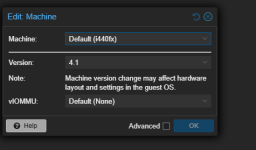
However according to the upgrade guide the support for this is (or might be - the warning is a bit unclear) dropped in v9.
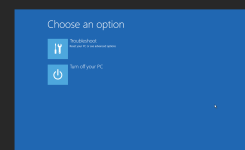
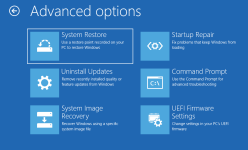
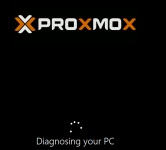
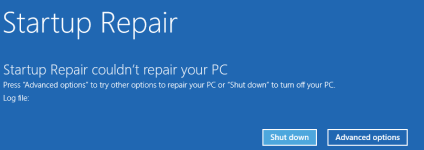
When I try upgrading the machine version to anything newer than 4.1, the OS (Windows Server 2019) brings up a weird boot menu instead of the regular login screen on boot.
So I am at a loss as to what to do.
This is the warning I get in the "pve8to9 --full" tool:
How can I upgrade the machine version so a current one without breaking my Windows installation?
Best regards
mf_2
I am in the progress of upgrading from 8 to 9.
One of the guest VM is running the following machine version:
However according to the upgrade guide the support for this is (or might be - the warning is a bit unclear) dropped in v9.
When I try upgrading the machine version to anything newer than 4.1, the OS (Windows Server 2019) brings up a weird boot menu instead of the regular login screen on boot.
So I am at a loss as to what to do.
This is the warning I get in the "pve8to9 --full" tool:
Code:
WARN: VMs with the following IDs have an old machine version configured. The machine version might need to be updated to be able to start the VM in Proxmox VE 9:
        102
How can I upgrade the machine version so a current one without breaking my Windows installation?
Best regards
mf_2