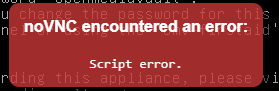
noVNC encountered an error:
Script error.
When I start console I get this error, do any of you know how to remove it?
I have just updated my system to proxmox 5.0



can you open the javascript console of your browser and post the error messages from there?When I start console I get this error, do any of you know how to remove it?
can you open the javascript console of your browser and post the error messages from there?
i have seen this with "bad" browser extensions, which generate javascript errors, maybe you have some?
let node = elem.childNodes[i]; <!-- begin scripts -->
<script type="application/javascript;version=1.7" src="/novnc/app.js"></script>
<!-- end scripts -->We use essential cookies to make this site work, and optional cookies to enhance your experience.
