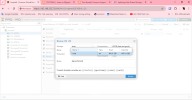
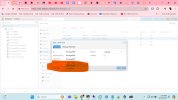
When I want to back up any of my VMs, only the local disk with minimal space is shown in the storage section. I have two other LVM disk groups , Size-3TB and 200GB . How can I increase the volume of those disks and include them in the image backup?
You need a flie level storage to be able to store files, like those created by vzdump backups [1]. You could manually create a volume in your LVM-thin, format it as ext4, mount it in a path and add it as a "directory" type storage.
This isn't a great idea, because you should have your backups at least in a different disk than those hosting your VMs, so you can recover when the disk fails. Of course, its better than nothing.