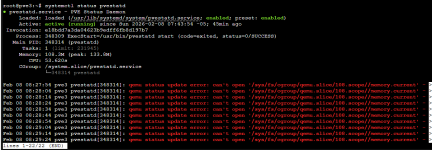
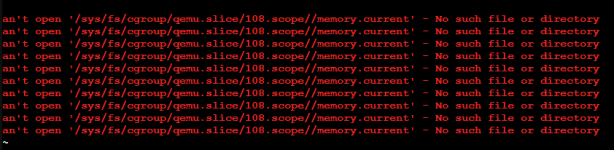
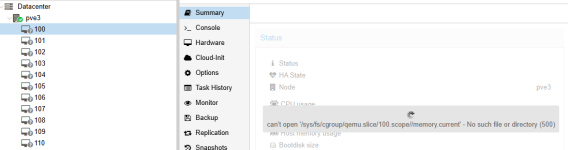
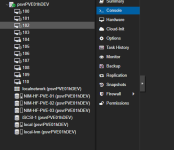
I have had the names of the VM's disappear several times now in Server View - but the names show up in Options for each VM. Several VM's are still running. I can change the view but none will show the names.
This is a standalone server - not part of a cluster - and has the latest updates.
I have been rebooting the Proxmox server to resolve the issue. I have restarted pvestatd and pveproxy as suggested on other threads but neither worked. Rebooting is not a good option. Any ideas what I should do?
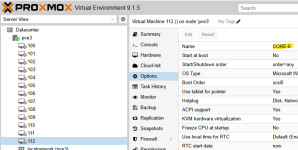
This is a standalone server - not part of a cluster - and has the latest updates.
I have been rebooting the Proxmox server to resolve the issue. I have restarted pvestatd and pveproxy as suggested on other threads but neither worked. Rebooting is not a good option. Any ideas what I should do?