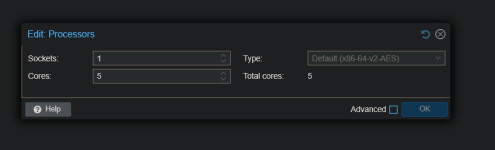
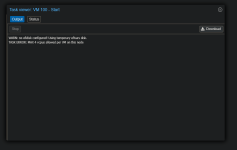
Well, usually we are talking "clusters". And it is wishful thinking that all nodes are equal. In fact one advantage here is that the nodes may widely vary.
That dialog would need to limit the number of assigned cores to those of the smallest node - which is probably not what most users want. Perhaps the easiest way to avoid a too large a number would be to introduce a manual "Option" "Max-Cpu-Cores" for a cluster.
But yeah, a (live-) hint regarding this potential problem would help avoiding problematic values.
(( What I would like to see is a cluster-wide "sanity-check" to verify that all required resources, all storages, all (old and forgotten but) configured .iso, all networks etc. are available for all VMs. This could be an an external command to be run weekly or so... ))