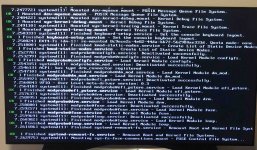
At the GRUB prompt, interrupt the boot process and edit the command line. Add systemd.unit=rescue.target and then continue booting. This will hopefully get you to a point where you can inspect the system and manually start systemd targets. Depending on what exactly failed, this could take a bit of effort to sort out.
If this approach still doesn't help, break=bottom would give you another useful entry point into the boot process. When you start this way, you will find yourself in the initramfs, and you can access your root filesystem that is attached to /root. You can try to run fsck or edit whatever is broken. chroot can be a very helpful tool in this situation, if you need to run commands that aren't present in the initramfs. That might or might not require temporarily bind-mounting the pseudo filesystems /proc, /dev, and /sys.
If break=bottom doesn't work, then try break=premount or even break=top.
Good luck.