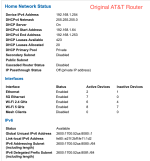
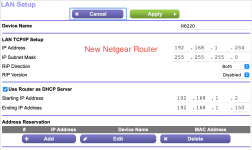
First let me say I know this is a common issue and I've scoured this forum and Google for advice. I recently moved homes and had to return my AT&T router. Anticipating this issue, I took screenshots of my router configuration. I haven't purchased my ultimate new router yet, but in the meantime have tried to wire my PVE host directly to a Spectrum-provided router and an old Netgear router and in both cases it won't show up as a connected device at all.
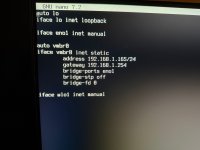
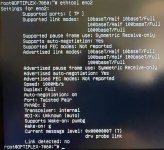
My PVE host has always been configured with static IP 192.168.1.165, and both new routers used the 192.168.1.X range by default. The LAN port LEDs on the routers and the PVE host indicate a good connection, but the router config pages don't show PVE as a connected device and I cannot ping anything, including the router's IP, from PVE. I have tried multiple ethernet cables.
Attachments:
My PVE host has always been configured with static IP 192.168.1.165, and both new routers used the 192.168.1.X range by default. The LAN port LEDs on the routers and the PVE host indicate a good connection, but the router config pages don't show PVE as a connected device and I cannot ping anything, including the router's IP, from PVE. I have tried multiple ethernet cables.
Attachments:
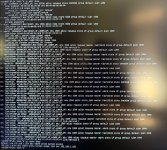
- Old router configuration page
- New router configuration page
- /etc/network/interfaces
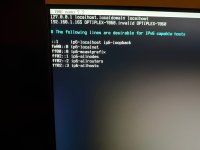
- /etc/hosts
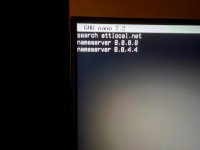
- /etc/resolv.conf