

I’m new to virtualization and migration processes. Right now, I’m trying to learn Proxmox, and while learning, I’ve come across many different problems and errors.
Currently, I’m dealing with the Proxmox ESXi import wizard. When I tried to migrate my Ubuntu machine from ESXi to Proxmox, I clicked the Import button and waited for the import/download to complete.
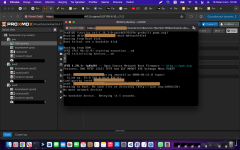
After the download finished, I tried to start the machine, but I keep seeing the same issue over and over again: “Not a bootable disk”
How can I fix this problem?
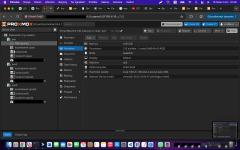
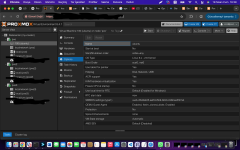
Currently, I’m dealing with the Proxmox ESXi import wizard. When I tried to migrate my Ubuntu machine from ESXi to Proxmox, I clicked the Import button and waited for the import/download to complete.
After the download finished, I tried to start the machine, but I keep seeing the same issue over and over again: “Not a bootable disk”
How can I fix this problem?
