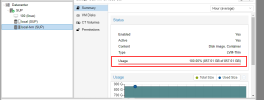
Expand the vhd and resize the partition in-vm with gparted just like you would on a physical box.
Boot into the vm in single-user mode and ' cd / ' then ' du -x --max-depth=1 -h |sort -h '
Then you drill down into the largest dir, skipping things like /usr -- more than likely something in /var/log filled up and you will need to delete some of the files.