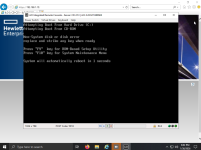
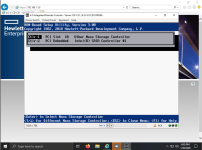
Im having a different problem with dl380g8 and h220. I simply cannot boot from it.
Ive set the boot order and everything. Im installing proxmox on 2 drives with zfs raid1.
What settings have you changed to event get it to try to boot ?
Im having a different problem with dl380g8 and h220. I simply cannot boot from it.
Ive set the boot order and everything. Im installing proxmox on 2 drives with zfs raid1.
What settings have you changed to event get it to try to boot ?
In the 580 g7, there are two options in the BIOS, which card it will try to start first and then the order inside said card, the h220 must be configured in its own environment, that is, in the configuration options of the h220 whose entry to configure occurs at boot start
I found it. So i needed to enter in lsi config, and then set the adapter boot order (i have 2 hba's, one external and one internal).
Then i had to go in the device, chose sas topology and specify the primary boot disk and the alternative boot disk.
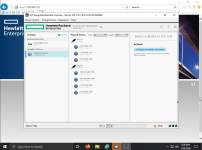
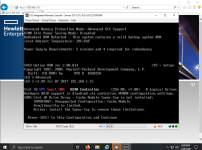
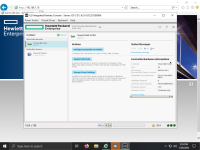
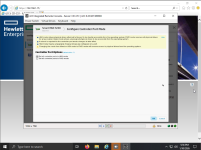
I also have an HP DL580 G7. I added the H240 HBA so I could use my SSDs for zfs. I was able to install Proxmox on 2 x SSD drives (I selected the ZFS Mirror1 option during installation). The installation completed successfully, however, Proxmox will not boot. In the Smart Storage Administrator tool, I don't have an option anywhere to set a Bootable Logical Drive,only to select HBA or RAID mode. In the BIOS, I set the HBA controller to be the first boot option and turned off the RAID controller P410i. HBA H240 controller firmware version is 7.0. I inserted screenshots (sry for too many pics).


 .
.