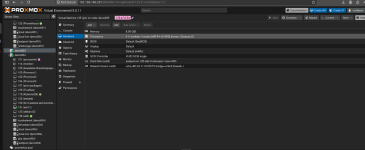
Yeah, you're reading it right. Sockets and cores are the
maximum topology, QEMU needs that fixed at VM start, so those two fields are greyed out while the VM runs. The only value you can change live is
vcpus, that's how many of the max cores are actually plugged in right now. Your VM is 1 socket / 4 cores with vcpus=2, so you can bump it up to 4 on the fly, anything beyond that needs a shutdown.
Couple other things to check: CPU has to be ticked under Options > Hotplug, and the guest has to bring the new cores online. Most current Linux distros handle that via udev, if yours doesn't you'll see the core in
lscpu but offline, then
Code:
echo 1 > /sys/devices/system/cpu/cpu2/online
Works for Linux guests only, Windows has no CPU hotplug at all. And lowering vcpus while running is pretty hit and miss, adding is way more reliable than removing.