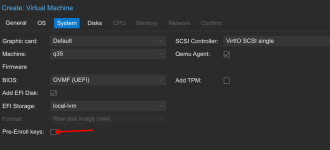
Hi,
It took me a while to figure out what I was doing wrong.
I was trying to boot with iPXE, but it just wouldn't !
And the bios firmware should be a lot clearer about the problem not just say "Access Denied"
On this already very difficult task !
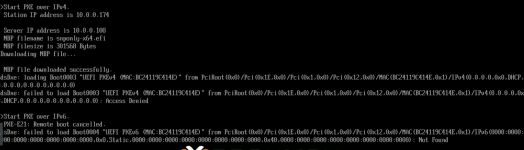
I can't find how to disable this easily.
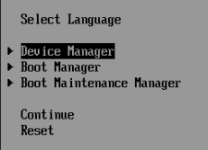
Easiest way I found is to boot the VM and immediately hit ESC
Go to Device Manager
Then secure boot configuration
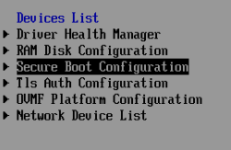
And uncheck Attempt Secure Boot

Then press F10 to save
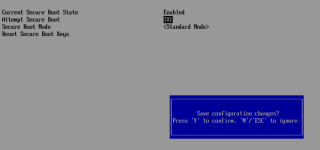
Then leave with ESC -> ESC -> Reset
And THEN it will boot
maybe
if you've been nice this year
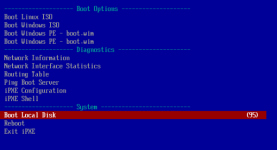
This setting should really be somewhere in the VM creation dialog
It took me a while to figure out what I was doing wrong.
I was trying to boot with iPXE, but it just wouldn't !
And the bios firmware should be a lot clearer about the problem not just say "Access Denied"
On this already very difficult task !
I can't find how to disable this easily.
Easiest way I found is to boot the VM and immediately hit ESC
Go to Device Manager
Then secure boot configuration
And uncheck Attempt Secure Boot
Then press F10 to save
Then leave with ESC -> ESC -> Reset
And THEN it will boot
maybe
if you've been nice this year
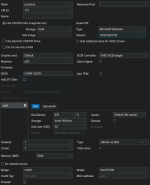
This setting should really be somewhere in the VM creation dialog