

Note: This has been tested with Rocky Linux 10 and Red Hat Enterprise Linux 10 installed from GA ISO on a Proxmox 8.4.5 Host.
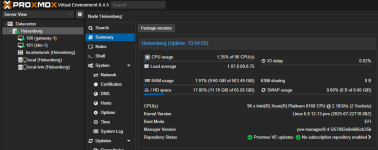
This is the host:
When I install an Enterprise Linux 10 VM in EFI Mode, grub2 seems to be unable to find the EFI loader.

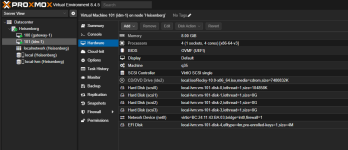
The VM configuration is
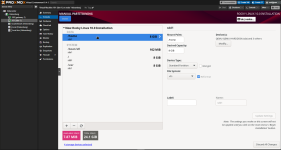
and the installation layout
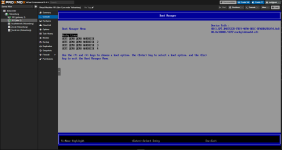
When I hit F2 and select the first entry from the EFI Boot Manager, the grub2 boot manager loads, showing the menu and sucessfully boots into the OS.
This behaviour is known to me with VMware vSphere where you need to set efi.quickBoot.enabled=false but I can't find a setting like this for Proxmox.
Does anyone know about this issue and got a working solution / workaround?
This is the host:
When I install an Enterprise Linux 10 VM in EFI Mode, grub2 seems to be unable to find the EFI loader.
The VM configuration is
and the installation layout
When I hit F2 and select the first entry from the EFI Boot Manager, the grub2 boot manager loads, showing the menu and sucessfully boots into the OS.
This behaviour is known to me with VMware vSphere where you need to set efi.quickBoot.enabled=false but I can't find a setting like this for Proxmox.
Does anyone know about this issue and got a working solution / workaround?

