I've been using my pve-1 and pve-2 for a few months and learning a lot. They both have a small ssd for the os, etc and a second larger ssd for VMS. The idea here (I read) was to make sure that overallocation of VMs does not whack the root os partition. I used zfs raid0 for these installs. Having a great time...
I now have a third machine that only has a single ssd in it. Due to the tutorials I am following for a separate topic, this machine I used ext4 formatting.
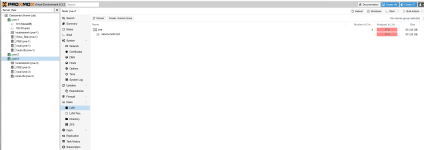
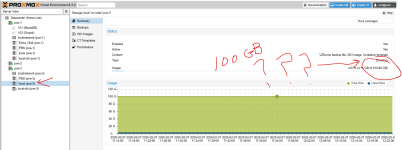
The problem I am having is that of my 500GB disk it created a local partition of 100GB but then my remaining 400GB is nowhere to be found.
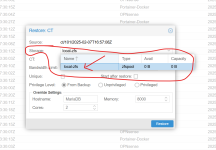
The local-zfs partition is not usable to me which I guess makes sense since I installed ext4. But I don't see the remaining 400GB anywhere.
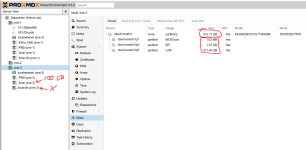
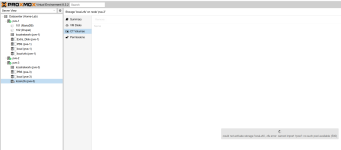
Kind of a noob challenge. Any suggestions? I suppose I should go back to my pve-1 and pve-2 to see if those OS disks are being limited to 100GB the same way this one is.
I now have a third machine that only has a single ssd in it. Due to the tutorials I am following for a separate topic, this machine I used ext4 formatting.
The problem I am having is that of my 500GB disk it created a local partition of 100GB but then my remaining 400GB is nowhere to be found.
The local-zfs partition is not usable to me which I guess makes sense since I installed ext4. But I don't see the remaining 400GB anywhere.
Kind of a noob challenge. Any suggestions? I suppose I should go back to my pve-1 and pve-2 to see if those OS disks are being limited to 100GB the same way this one is.
Last edited: