I'm setting up a box for a friend to first backup a box at the office then move it to her house to continue the backup via remote. She has no IT skills whatsoever. My friend's office has no high speed internet in the area. She signed up for Tmobile home internet and it's fine for day to day office work. She has a large amount of data on the existing proxmox box there. I don't want to deploy this second box at her home for offsite backup for the initial backup over celluar so I'm thinking to setup a dhcp proxmox that she can just plug in, power it up and I'll then handle the rest. When I'm done with the initial backup, she'll disconnect it at the office, take it home, connect and power it on for me to sync the backups.
What I've done so far.
1. New install of v9.
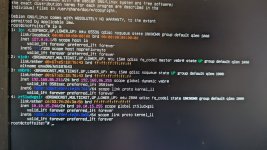
2. Reconfigured to use dhcp instead of static ip. I followed a post to add a script to update the hosts file according to the dhcp ip assignment.
3. Shut it down for a week to focus on a different project.
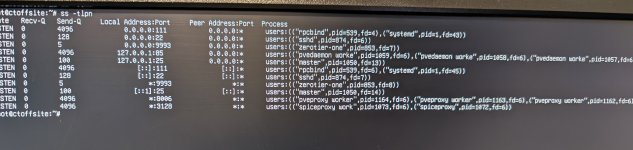
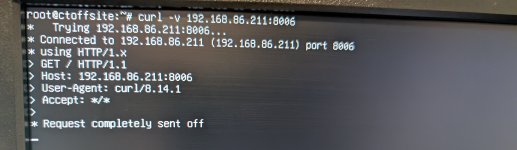
4. Today, powered up the box and can't load the web ui. I'm connecting to the box via ip address:8006.
Message is site can't be reached.
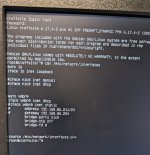
Current /etc/network/interfaces configuration:
auto lo
iface lo inet loopback
iface nic0 inet dhcp
bridge-ports nic0
bridge-stp off
bridg-fd 0
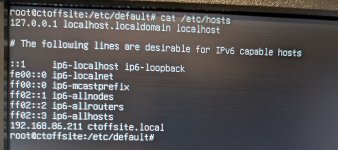
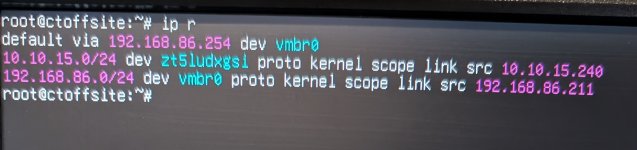
I've confirm the corresponding hosts file does have an entry reflecting the dhcp ip received for proxmox. I can ping the box on the lan.
Thanks
Rice
What I've done so far.
1. New install of v9.
2. Reconfigured to use dhcp instead of static ip. I followed a post to add a script to update the hosts file according to the dhcp ip assignment.
3. Shut it down for a week to focus on a different project.
4. Today, powered up the box and can't load the web ui. I'm connecting to the box via ip address:8006.
Message is site can't be reached.
Current /etc/network/interfaces configuration:
auto lo
iface lo inet loopback
iface nic0 inet dhcp
bridge-ports nic0
bridge-stp off
bridg-fd 0
I've confirm the corresponding hosts file does have an entry reflecting the dhcp ip received for proxmox. I can ping the box on the lan.
Thanks
Rice