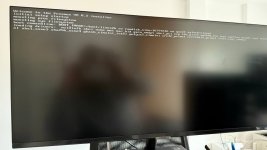
Can not install Proxmox 8.2

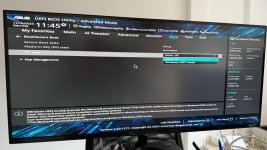
I have the exat same issue, tried several things, but to no reveal yet. Disabling UEFI in the BIOS did not help.I created the USB with Etchy and Rufus (DD mode) also tried 2 different USB drives.
 
Last thing it does is Loading drivers like in your screenshot, then it really hangs, you need the reset button to get it going again.
Also disabled security settings and Trusted Platform Module and Trusted computing in the bios
 
This worked for me:
2.3.5 Adding the nomodeset Kernel Parameter

Problems may arise on very old or very new hardware due to graphics drivers. If the installation hangs during boot, you can try adding the nomodeset parameter. This prevents the Linux kernel from loading any graphics drivers and forces it to continue using the BIOS/UEFI-provided framebuffer.

On the Proxmox VE bootloader menu, navigate to Install Proxmox VE (Terminal UI) and press e to edit the entry. Using the arrow keys, navigate to the line starting with linux, move the cursor to the end of that line and add the parameter nomodeset, separated by a space from the pre-existing last parameter.

Then press Ctrl-X or F10 to boot the configuration
 
  • Like
Reactions: gdelacruz
Worst of it all, it is in the manual. New challenge is getting the network on my MoBo with 2,5Gbps Realtek working...