

I have a couple of snapshot that show up in their respective ceph pools:
vm-105-state-ERPNextReady

and
vm-101-state-ubuntu20

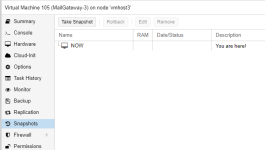
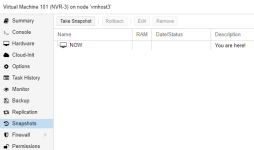
These snapshots do not exist in the vm snapshot list:
vm-105:
vm-101:
Does anyone know how I can remove them?
When I try to remove both snapshots I get the following error:
vm-105-state-ERPNextReady
and
vm-101-state-ubuntu20
These snapshots do not exist in the vm snapshot list:
vm-105:
vm-101:
Does anyone know how I can remove them?
When I try to remove both snapshots I get the following error:
Code:
Cannot remove image, a guest with VMID '105' exists!
You can delete the image from the guest's hardware pane
Last edited:


