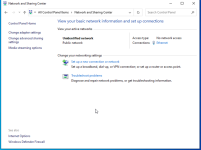
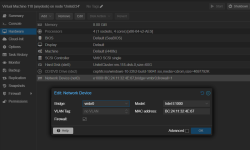
I would recommend trying out the `VirtIO (paravirtualized)` Model for your network card instead of the `Intel E1000` and see if that resolves your issue.
For the VirtIO Model to work you will need to install additional drivers.
The best way to do that is to a new DVD/CD ROM to the virtual machine and attaching the drivers, which you can download from:
Fedora Windows Virtio Download
I would recommend using the:
virtio-win-0.1.271-1 and download the .iso file.
After that you can stop and start the VM again. In the File Explorer you should now see the CD/DVD we just added.
Using the `Device Manager` you can install the Driver for the network controller.
Look for the Ethernet-Controller with a yellow warning sign and right click and select update driver.
In the window that pops up select `Browse my compute for drivers` select the CD Drive make sure the option `include subfolders` is checked and press `next`.
This should install the drivers and your network should not show up correctly, in case that did not work you can select the specific driver needed by navigating to `NetKVM\w10\amd64`
You can also have a look at the documentation here:
Proxmox Windows VirtIO Drivers
Hope this helps