Shared GPU for VDI -- Radeon Pro v340 ?

Mar 24, 2025
3
0
1
Edge of the Universe
Has anyone used the Radeon Pro v340 with Proxmox? I was hoping to share this card between multiple VMs, for VDI. The closest I could find was this:
But that appears to be for an older version of Proxmox. Also uses an older/different AMD card.

When searching the forums, the one thread that did focus on the card seems to end with a question (unresolved?):
MxGPU-related threads and documentation, for VDI-capable GPUs, seem to only mention the AMD FirePro S7100X, S7150, and S7150 x2.

Should I use a different card for this workload?
 
Hi,

You can try with AMD FirePro S7100X, S7150, or S7150x2.
The Radeon Pro V340 is not officially supported for MxGPU in Proxmox.
V340 is based on Vega architecture, and AMD has not extended MxGPU support to this generation.
 
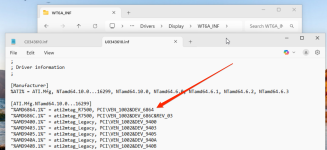
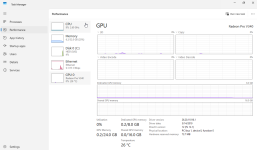
I have tested sharing the card between 2 VMs due to it having 2 GPUs on the card itself. Took a little doing but I got it working. Biggest pain in the butt is the fact the driver from AMD doesn't actually support the device string for the v340L I bought. The driver supports the device string: "PCI\VEN_1002&DEV_6864&REV03" but in windows I was getting a failed install due to the fact the passthrough device was "PCI\VEN_1002&DEV_6864&SUBSYS_0C001002&REV05". So what to do?

The following is at your own risk. I'm not responsible if your system gets compromised because you downloaded a driver from a 3rd party and disabled the security checking that follows here.

1. reboot into VM bios and disable secure boot
2. boot into windows and disable driver sig checking and integrity checking (administrator mode command prompt in windows) You MUST reboot for the settings to take effect
bcdedit /set nointegritychecks on
bcdedit /set testsigning on
3. Navigate to the amd expanded driver directory and remove the revision string
1764396794091.png
4. Open device manager and install the driver for the display device choosing to manually search a directory for the driver
5. You will be prompted that the driver is potentially compromised, accept the risk and install.
6. Once installed you can safely turn the integrity and testing back to 'OFF'

https://www.amd.com/en/support/down...-pro/radeon-pro-v-series/radeon-pro-v340.html

1764393864026.png

1764393939020.png


1764394580960.png
 
Hi @kowmangler, ty, seems workaround possible.
Is it works stable in your environment?
Did you test it with some GPU load inside the VMs?
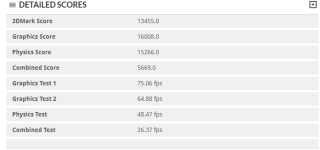
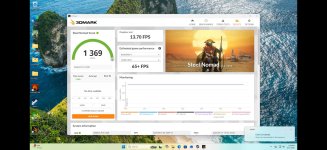
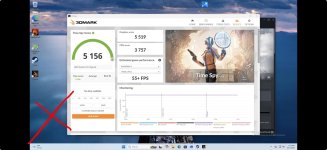
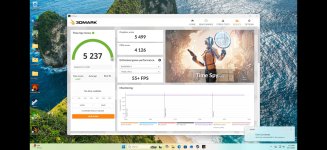
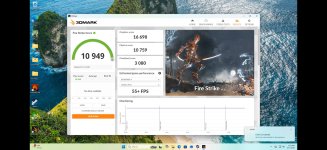
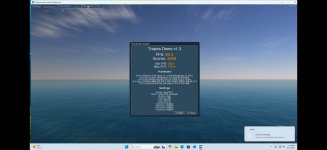
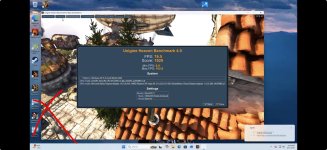
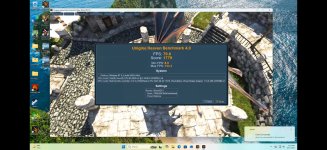
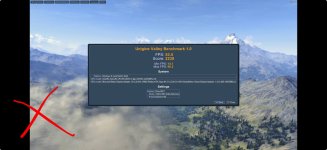
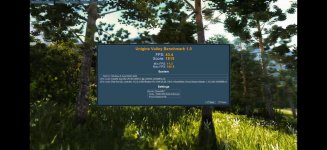
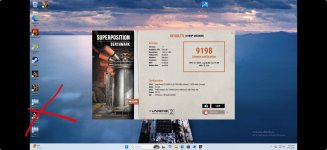
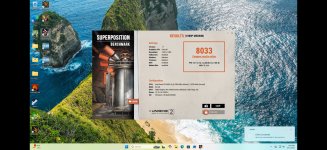
6840 for TimeSpy

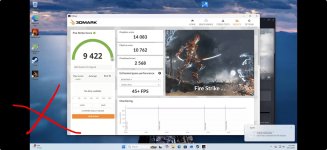
Fire Strike:
1653.png

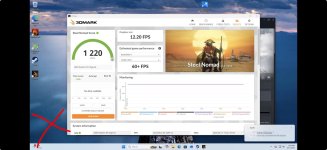
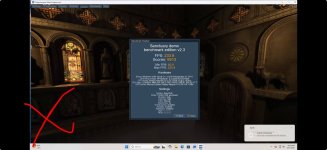
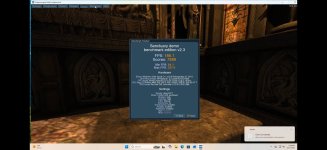
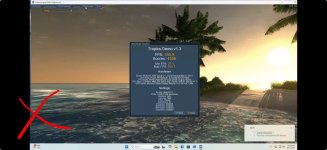
Didn't try to get dual GPU working or invest much into tuning or trying different driver combinations. Decent for $48 free shipping. I also have the other GPU on a linux VM at the moment so single GPU to windows VM and single GPU simultaneously to a Linux VM. Scores above are in 3dmark free benchmarks only and default settings. 2k screen res.

I really wanted to use it for accelerating Fusion360 so i can design more complex models to 3d print and one GPU for building an AI agent to test on.