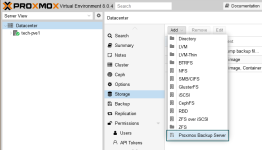
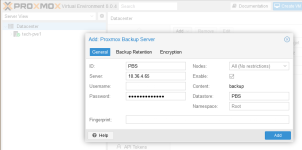
How do I configure PVE to PBS via dedicated NIC interfaces? I have Intel X710-DA2 (2-port 10GB SFP+ PCIe) cards in both machines, both with a cable going to a switch and a cable from one machine to the other. I saw a couple forum posts saying to set up both interfaces on an unused network, but don't see how to actually use the interfaces for backup.
My PVE has one interface with IP/CIDR 192.168.41.12/24
PBS has 192.168.41.11/24
Is this right?
And, how do I ensure the backups are routed through this connection?
Thanks?
My PVE has one interface with IP/CIDR 192.168.41.12/24
PBS has 192.168.41.11/24
Is this right?
And, how do I ensure the backups are routed through this connection?
Thanks?