Dear Team,
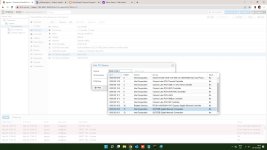
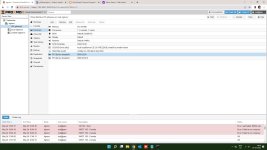
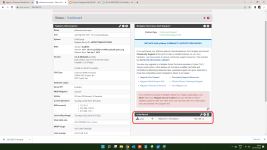
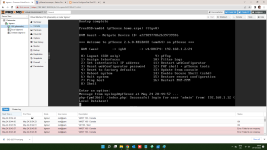
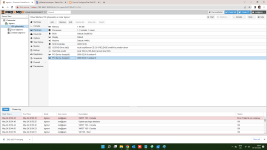
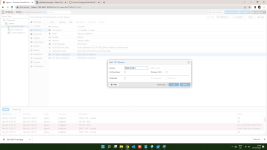
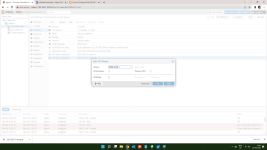
I have installed an Intel 82575EB Dual port Gigabit network card (PCI-e 1x Card) for Pfsense firewall installation as virual machine in Proxmox server and when i am start vm i am getting following error.
Task viewer: VM 100 - Start
OutputStatus
Stop
kvm: -device vfio-pci,host=0000:02:00.0,id=hostpci1,bus=pci.0,addr=0x11: vfio 0000:02:00.0: device is already attached
TASK ERROR: start failed: QEMU exited with code 1
Please help me on this issue
I have installed an Intel 82575EB Dual port Gigabit network card (PCI-e 1x Card) for Pfsense firewall installation as virual machine in Proxmox server and when i am start vm i am getting following error.
Task viewer: VM 100 - Start
OutputStatus
Stop
kvm: -device vfio-pci,host=0000:02:00.0,id=hostpci1,bus=pci.0,addr=0x11: vfio 0000:02:00.0: device is already attached
TASK ERROR: start failed: QEMU exited with code 1
Please help me on this issue